Battery planning
Phone battery saving tips for driver apps during long shifts
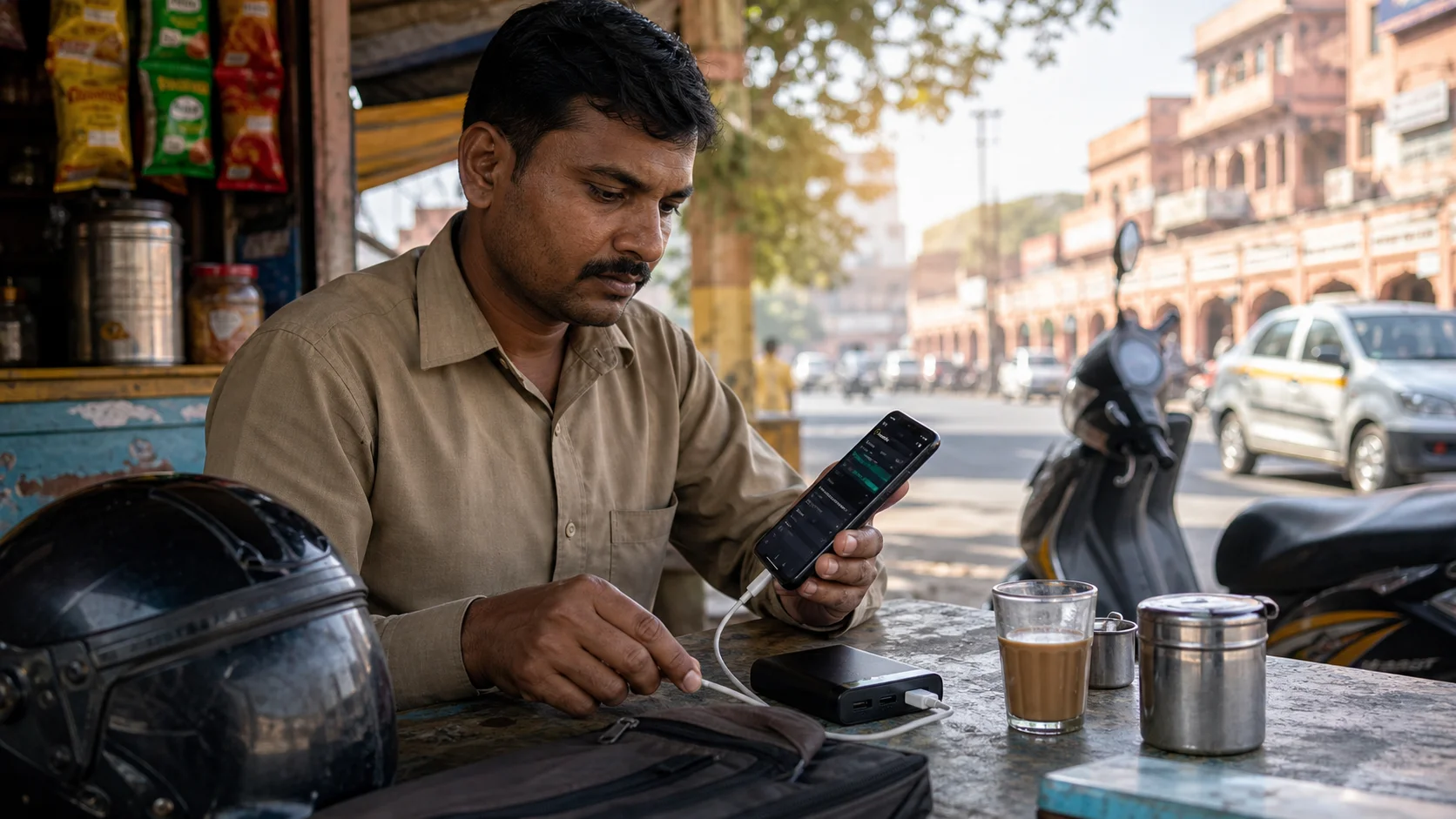
For many Indian drivers, the phone is the real work counter. It runs maps, calls, ride alerts, delivery apps, payment messages, support chat, and sometimes music or WhatsApp. When the battery drops, the shift becomes stressful. A low battery warning at the wrong time can force a driver to reject work, stop early, or keep the screen dim when it should be readable.
Battery saving does not mean turning everything off. A driver still needs live alerts. The better approach is to spend battery only on what helps the shift. This article focuses on practical phone battery saving tips for cab drivers, bike taxi riders, food delivery partners, grocery delivery riders, and logistics workers using Android phones in India.
Start the day with a full charge and clean cable
A weak cable wastes time. It may show charging but increase battery very slowly, especially when maps and mobile data are running. Keep one reliable cable for the vehicle and one backup cable in the bag. If you use a power bank, charge it the night before. Do not wait until the phone is at ten percent to start thinking about power.
Drivers working long blocks should treat charging like fuel. If the vehicle has a charger, test it before going online. If you work on a scooter or bike, keep the power bank in a place where it does not overheat in direct sun. Heat can drain the phone faster and damage battery health over time.
Control screen brightness without making the phone unsafe
The display is one of the biggest battery users. But very low brightness can also be unsafe because the driver keeps staring longer to read the screen. Use a brightness level that is readable in your environment. During afternoon heat, auto-brightness may push the screen too high. During night work, too much brightness can disturb your eyes.
A good habit is to adjust brightness at the beginning of each work block. Morning, afternoon, rain, and night do not need the same screen level. If the phone is mounted near direct sunlight, move the mount angle if possible instead of only increasing brightness.
Keep only active work apps running
Drivers often install many apps but use only a few on a given day. Keep the apps you actually work with active. Close games, shopping apps, video apps, and background-heavy tools before starting. If you use AcceptRide to keep selected work apps organized, check that the active list matches your shift plan.
This does not mean force-stopping every driver app. Some work apps need background activity to show alerts. The goal is to remove unnecessary load, not break the apps you depend on. A calmer phone runs cooler and lasts longer.
Use maps wisely
Maps can drain battery because they use GPS, data, screen, and processing together. When waiting at a known stand, do not keep navigation running without reason. Open maps when needed, then return to the work screen. If you know an area well, use your local knowledge for short movements instead of keeping the phone in full navigation all the time.
For delivery work, check the route before moving and then listen to voice guidance where safe. For cab and bike taxi work, confirm pickup direction before leaving the waiting point. Small map habits can save noticeable power across a full day.
Watch mobile data and weak signal
A weak network can drain battery faster because the phone keeps searching for signal. If one spot has poor signal, move to a better waiting point instead of blaming only the app. In markets, basements, narrow lanes, and roadside tea stalls with heavy walls, the signal may drop. A driver who waits in a network dead zone can miss alerts and lose battery at the same time.
If your phone supports it, choose a stable network mode. Avoid switching SIMs repeatedly during active work unless one network is clearly failing. Keep enough data balance for the full shift. Battery saving is useless if the app cannot connect.
Battery saver should be used carefully
Battery saver can help near the end of the day, but it may also delay notifications or restrict background work. If you enable it, test whether ride and delivery alerts still appear. On some phones, a mild battery mode is okay, while an extreme battery mode is not suitable for live app work.
For important work apps, choose battery settings that allow background activity during the shift. Use strict battery saving for apps that are not part of work. That balance gives better results than turning on one aggressive mode for the whole phone.
Build a charging rhythm
Do not charge only when the phone is almost dead. Use natural pauses. Tea break, fuel stop, lunch gap, waiting near a stand, or a slow afternoon block can become charging time. Short top-ups are often enough to protect the evening rush.
At night, keep the phone from overheating inside a closed dashboard area. During summer, avoid charging under direct sun for long periods. If the phone becomes very hot, it may slow charging and reduce performance.
Do not let battery saving break important alerts
The best battery setup is not the one that gives the longest screen-off time. It is the one that keeps the phone alive while still allowing important driver alerts. If a setting saves battery but delays ride requests, it is not useful for work. Test every battery change during a slow period. If alerts become late, reverse that setting before the next busy window.
A practical battery checklist
Before going online: phone above 80 percent, power bank charged, cable tested, brightness readable, active apps selected, maps closed until needed, battery restriction checked, mobile data stable. During the shift: charge during breaks, avoid weak-signal waiting spots, close non-work apps, and keep the phone cool. After the shift: charge equipment for tomorrow.
Battery management is not a small thing anymore. For app-based drivers, it is part of earning discipline. A phone that stays ready helps the driver stay calm, respond faster, and finish the planned work block without panic.