Night safety
Night fuel station phone check for app drivers
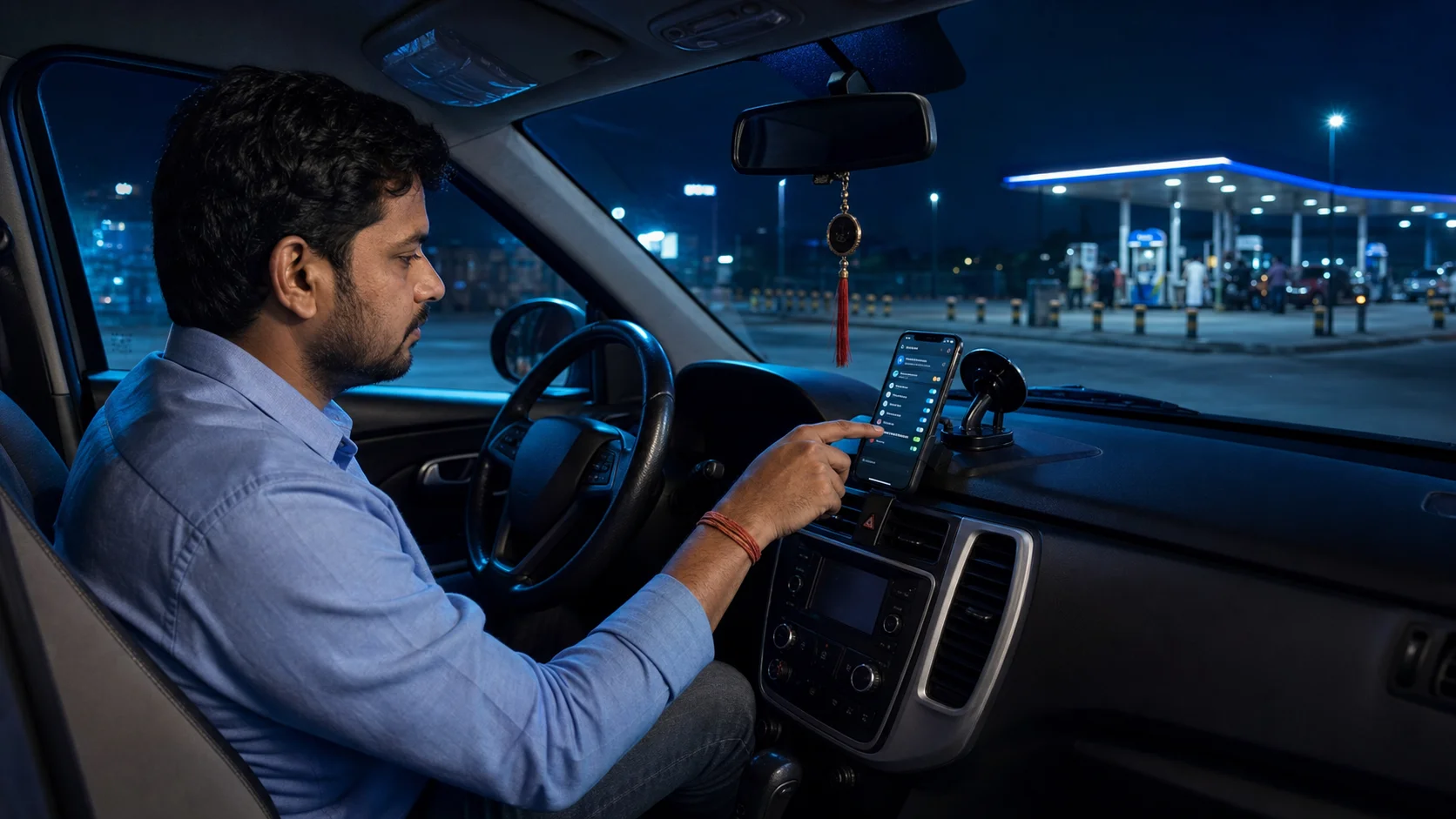
Night work is different from day work. Roads may be clearer, but attention has to be sharper. A driver needs fuel, battery, data, phone brightness, alert sound, and safe waiting points under control. A fuel station can be a useful reset point if the driver uses it properly.
This article is for Indian cab drivers, auto drivers, bike taxi riders, and delivery partners who work late evening or night shifts. It explains a simple phone check routine that can be done at a fuel station or any safe, well-lit stop before continuing the shift.
Choose the stop carefully
Not every fuel station is a good waiting place. Choose one that is well lit, open, visible from the road, and not too isolated. If possible, choose a place with staff, CCTV, drinking water, and enough space to park without blocking others. The goal is to reset the phone and vehicle without feeling exposed.
For two-wheeler riders, park where the phone and bag are not easy to snatch. For cab drivers, avoid keeping the phone loose near an open window. Night safety starts with small physical habits.
Check fuel and phone together
Drivers often check fuel but forget the phone. Treat both as part of the same stop. After refueling or parking, check battery percentage, charger connection, data signal, notification sound, selected work apps, and AcceptRide status. If anything is wrong, fix it before leaving the station.
A phone problem at night feels bigger because fewer shops are open and support may take longer. A two-minute check protects the next work block.
Adjust screen brightness for night
Too much brightness can hurt night vision. Too little brightness makes the driver stare longer. Set the screen to a level that is comfortable and readable. If your phone has eye comfort mode, test whether it changes colors too much. Some maps and app screens become harder to read with heavy color filters.
Keep the phone mounted securely. Holding the phone in one hand while leaving a fuel station is risky. Set the route or work screen before moving.
Confirm alert sound and vibration
Night roads can be noisy in some places and very quiet in others. If notification sound is too low, you may miss alerts. If it is too loud, it may become distracting. Choose a level that works inside your vehicle or helmet environment. Keep vibration on if it helps.
Also check Do Not Disturb. Many phones turn it on automatically at night. That is useful for sleep, not always useful for night work. If you work after dark, make sure important work apps are allowed.
Review the next area before accepting more work
At night, some areas are better avoided if they feel unsafe, poorly lit, or too isolated. Use the fuel station stop to think about the next work zone. Stay near routes you know. If a request takes you far away from active areas, consider the return path too. A fare is not only the pickup and drop; it is also where it leaves you.
Drivers should make choices based on local knowledge and platform rules. AcceptRide can keep the phone side clearer, but the driver still decides what feels safe and practical.
Use the stop to clear small problems
If the phone has become slow, close unnecessary apps. If data is weak, toggle airplane mode once or move a little. If charging is slow, check cable position. If the phone is too hot, let it cool before using navigation heavily. Small fixes are easier at a lighted stop than on the roadside.
Do not install random cleaner apps at night because the phone feels slow. They can create more notification and background issues. Use simple steps first: close non-work apps, restart if needed, and keep the active app list clean.
Plan the return path before going far
Night requests can pull a driver away from familiar roads. Before accepting a long move late at night, think about the return path. Will there be fuel, charging, traffic, and safe waiting places after the drop? Will mobile signal be stable? A request can look good at the start and still create a difficult empty return if the driver does not plan ahead.
This does not mean refusing every far request. It means knowing what the next step looks like. Experienced night drivers often keep two or three safe reset points in mind. A fuel station, a busy junction, or a known food street can become the next place to check the phone and decide whether to continue.
Keep support information ready
If payment, plan, permission, or setup issues appear during night work, keep support contact easy to reach. In AcceptRide, use support options when needed. On the website, WhatsApp support is available for help. Before messaging support, note your phone model, Android version, and what you already checked. Clear details get better help.
Do not share OTPs or private payment details casually. Support should help with setup and product issues, not ask for sensitive banking control.
Also keep one trusted emergency contact easy to call. App work can feel routine, but late-night movement deserves a little extra preparation. A driver who keeps fuel, phone, support, and emergency contact ready has more control when something unexpected happens.
A practical night stop checklist
At the fuel station: park safely, check fuel, check battery, connect charger, confirm mobile data, open AcceptRide, confirm notification sound, adjust brightness, review next work area, and keep the phone mounted before moving. If something feels unsafe, take a break or move to a better-lit location.
Night work can be productive, but it should not feel uncontrolled. A regular phone check at a safe stop gives the driver a calmer way to continue. The habit is simple, repeatable, and useful for anyone depending on Android app alerts after dark.